Community Profile Store
Community espresso profiles for GaggiMate
Discover profiles created and shared by the GaggiMate community. Browse every public profile, inspect and download.
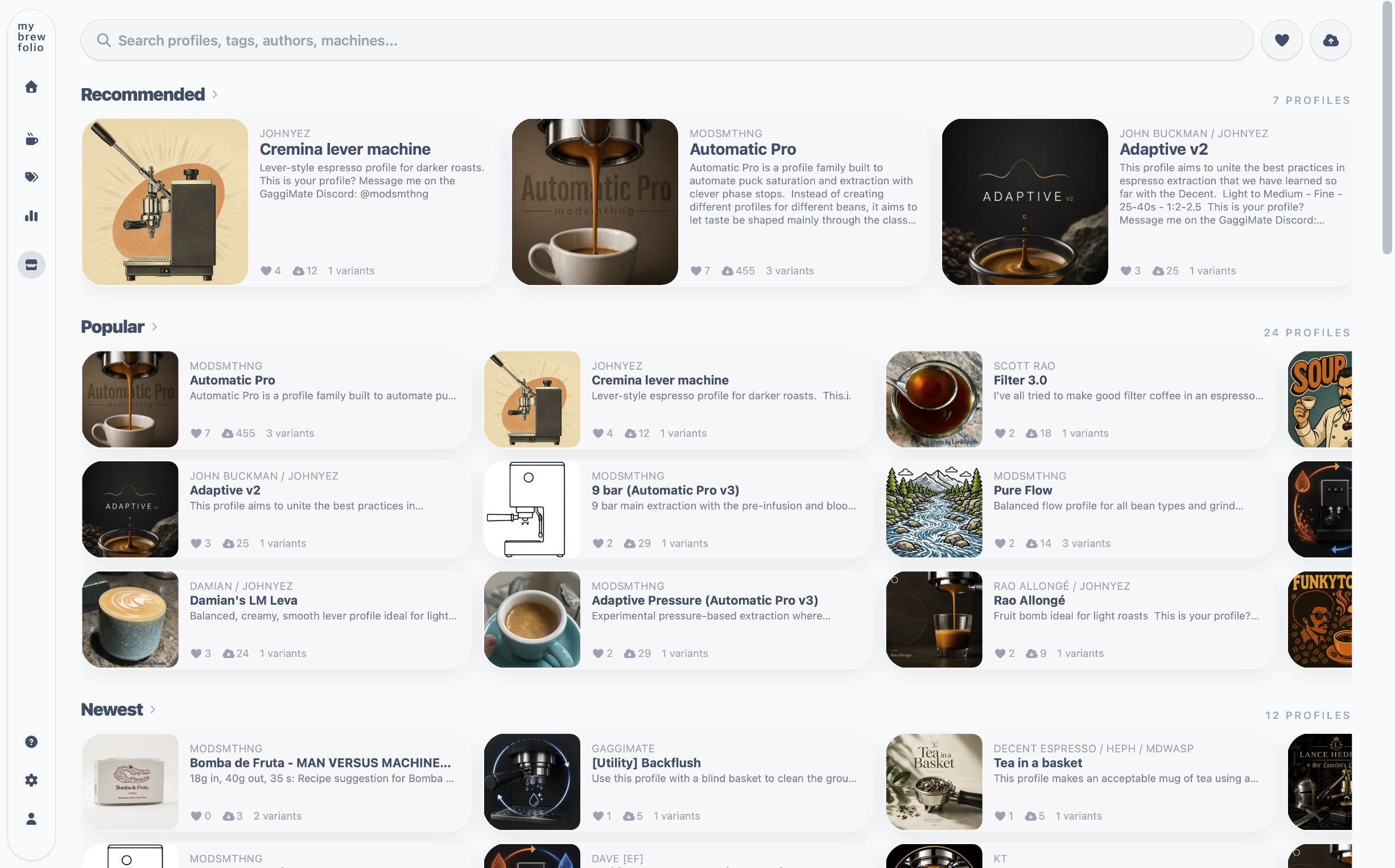
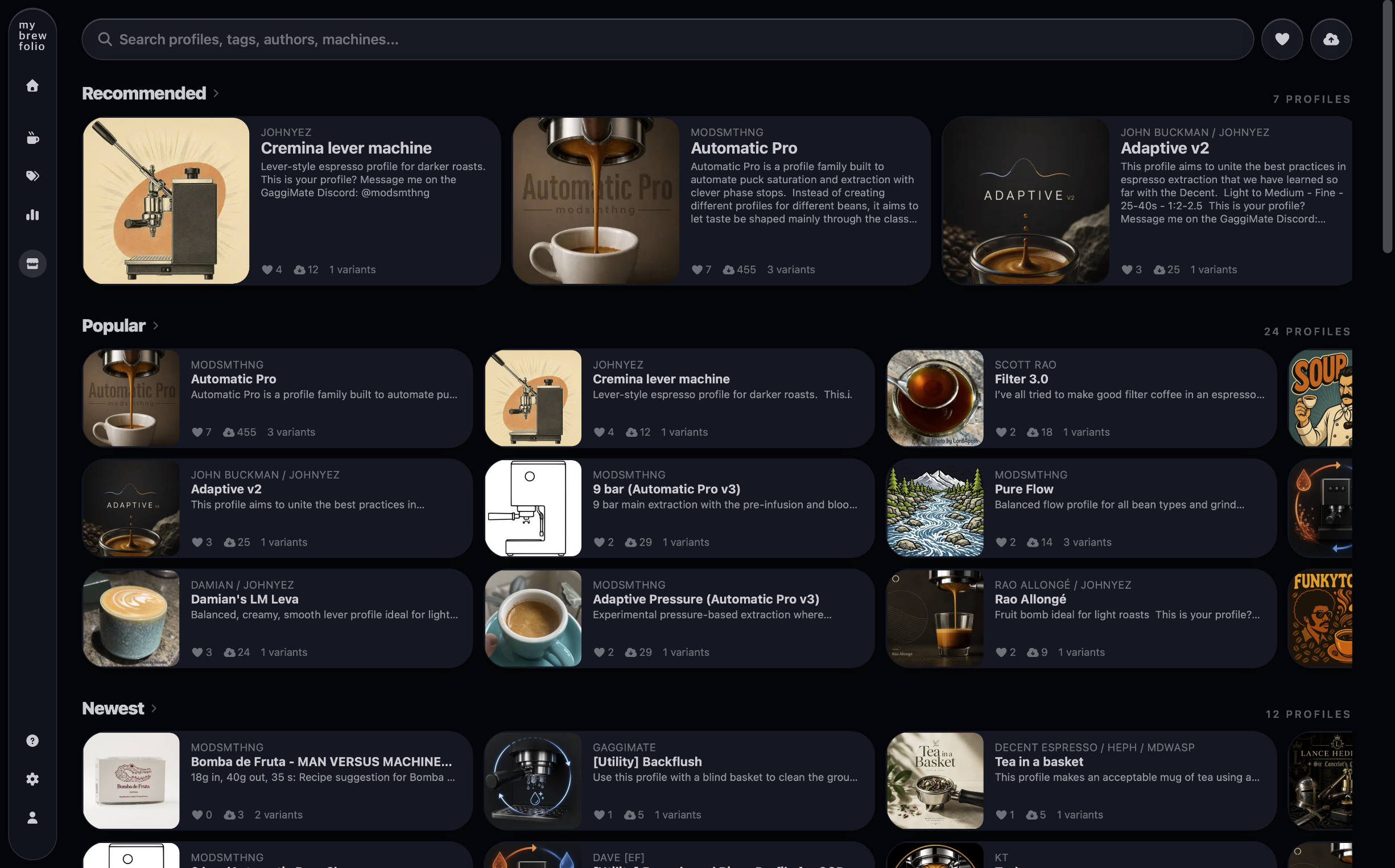
Find profiles from the whole community
The Profile Store brings public community uploads together in one searchable place. Browse recommended, popular and recent profiles, or search by profile name, author, tag and compatible machine.
Every public profile has its own permanent page with its description, author, compatibility, variants, downloads and related community information.
Compare and download compatible variants
Open any profile to inspect its available variants and machine compatibility before downloading. Profiles can range from simple classic recipes to detailed multi-phase approaches, without limiting the Store to one style or one author.
Common questions about downloading GaggiMate profiles
- Where can I download profiles for GaggiMate?
- Open the public MyBrewFolio Profile Store, choose a profile, select a compatible variant and use its download action. Public profiles and their downloadable variants can be opened without a MyBrewFolio account.
- How do I import a downloaded profile into GaggiMate?
- Download the JSON variant from MyBrewFolio, open the Profiles page in the GaggiMate web interface and use its import action. Review the machine and profile-level compatibility shown on MyBrewFolio before importing.
- Which profile should I use for my roast?
- Use the MyBrewFolio profile selection guide to find community profiles tagged for light, medium or dark roasts. Treat those tags as starting points and dial in for your coffee, grinder and taste.
Publish your own profile
Community members can publish a profile with its JSON file, compatibility details, description and optional images. Once published, it receives a permanent public link that anyone can open without an account.