Espresso Shot Analysis
Understand every espresso shot
Move from a quick brew overview to deep espresso shot analysis. Inspect phases, targets and recorded stop reasons, then compare shots without switching back and forth.
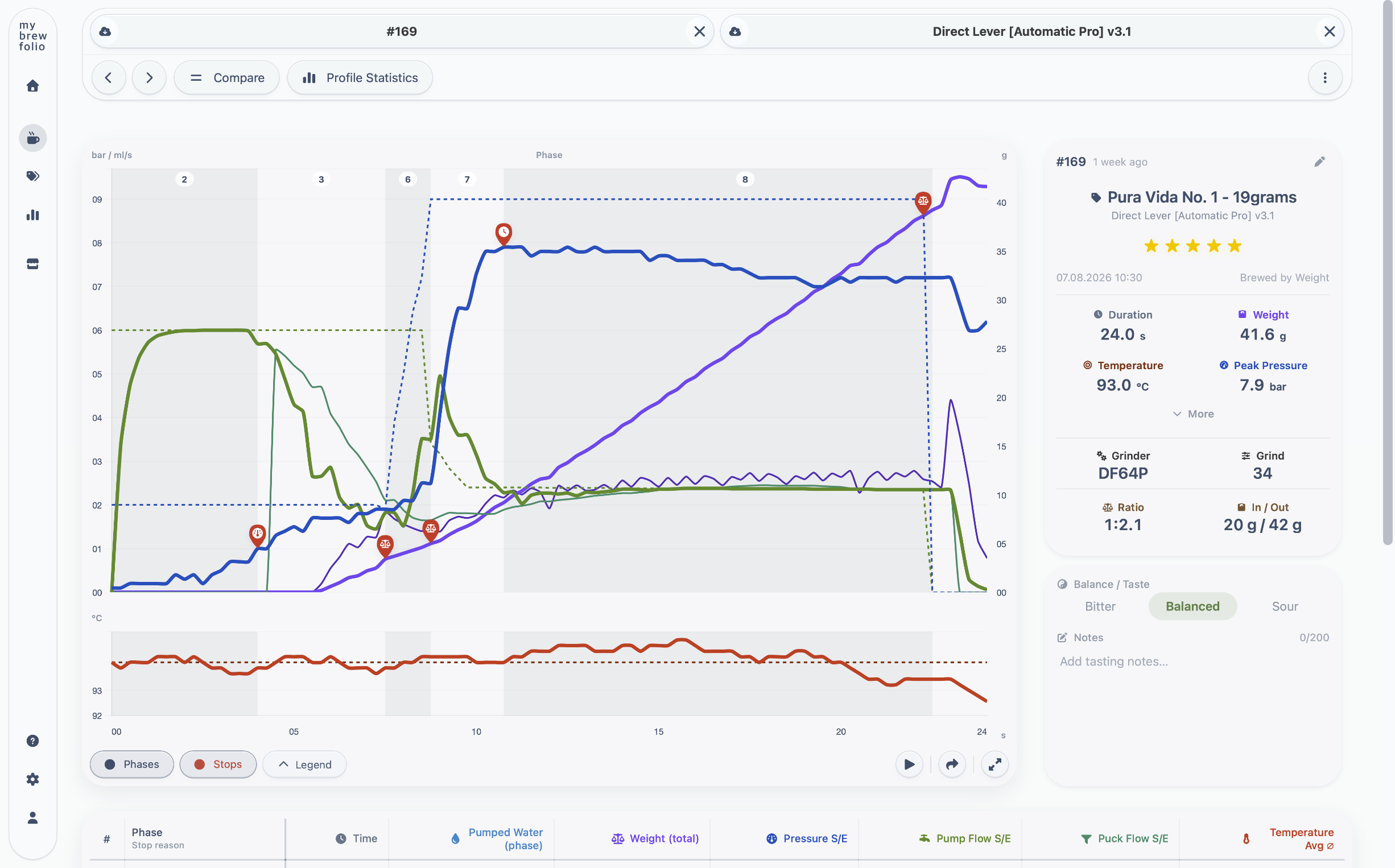
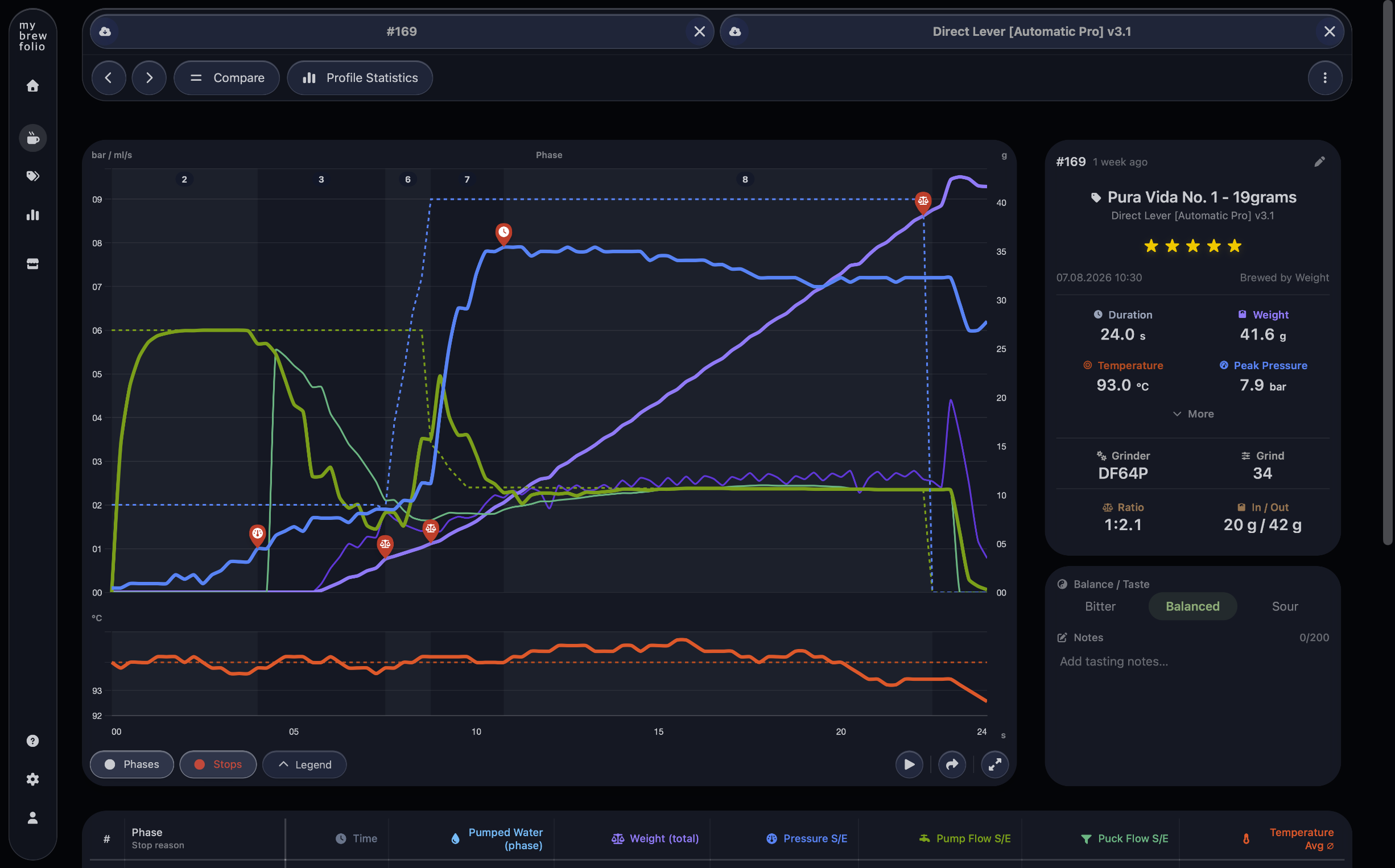
Start simple, then go as deep as you need
Review duration, weight, temperature, pressure and the complete brew curve at a glance. When more detail is needed, inspect pressure, pump flow, puck flow, weight flow, pumped water, temperature and phase timing.
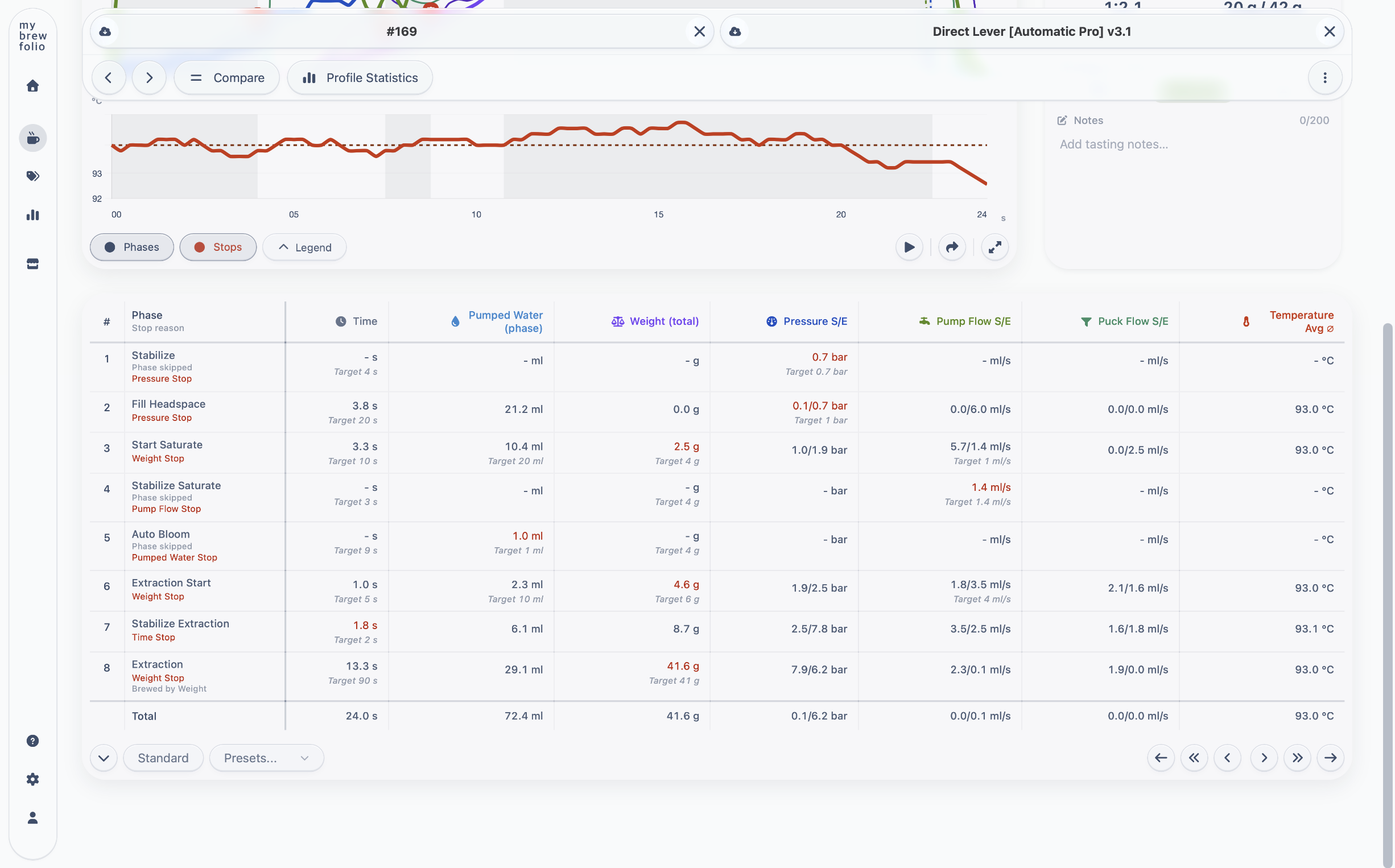
MyBrewFolio preserves recorded stop reasons and analyzes phase transitions to show available stop and target values. This helps explain whether a phase ended through weight, pressure, flow, pumped water, time, safety or a manual action.
See exactly why every phase ended
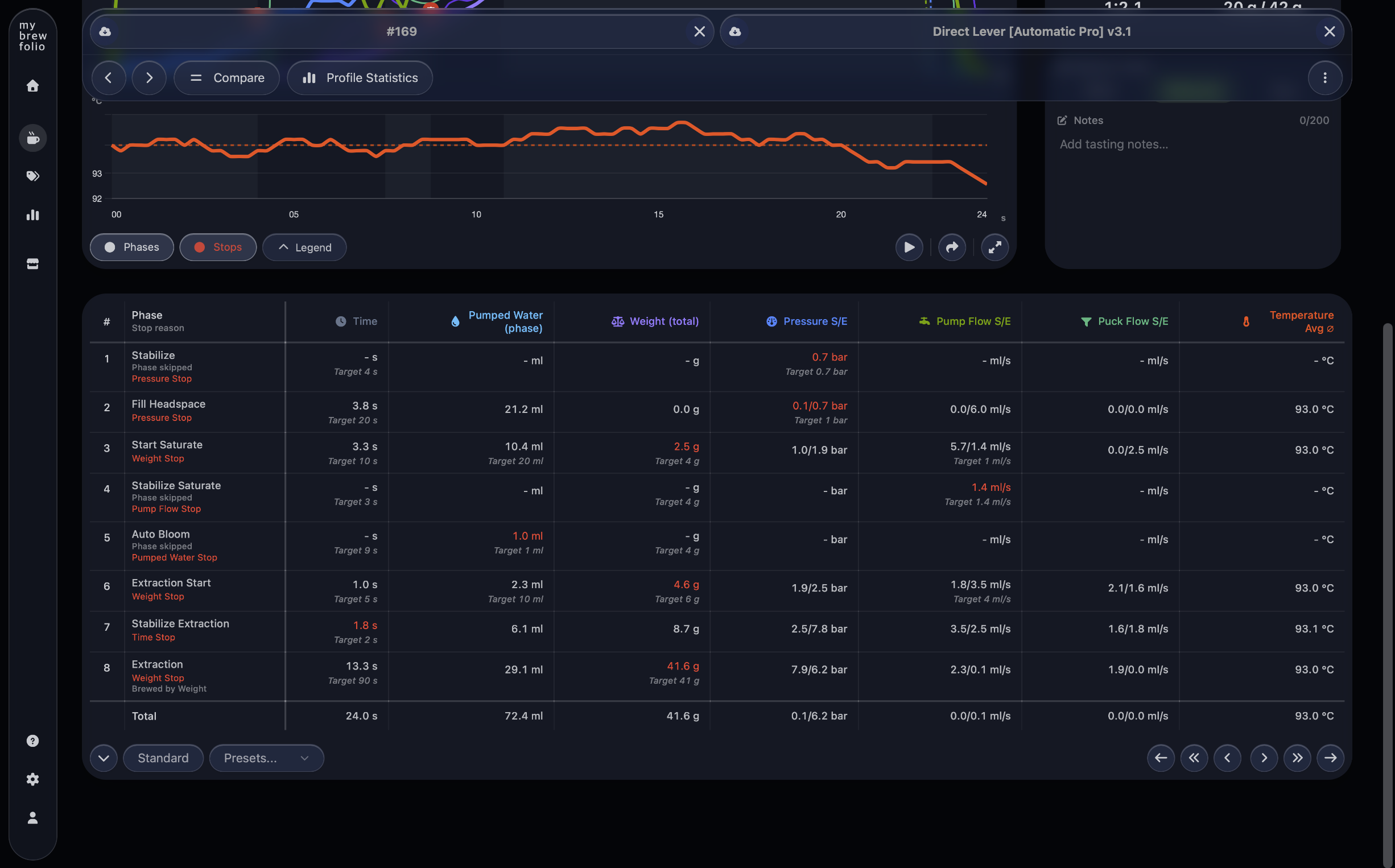
The phase table keeps measured values, targets and recorded stop reasons together. Inspect time, pumped water, weight, pressure, pump flow, puck flow and temperature for every transition instead of reconstructing the sequence yourself.
Weight, pressure, flow, pumped water and time stops remain visible alongside skipped phases, safety conditions and manual actions whenever the recorded brew data provides them.
Compare espresso shots directly
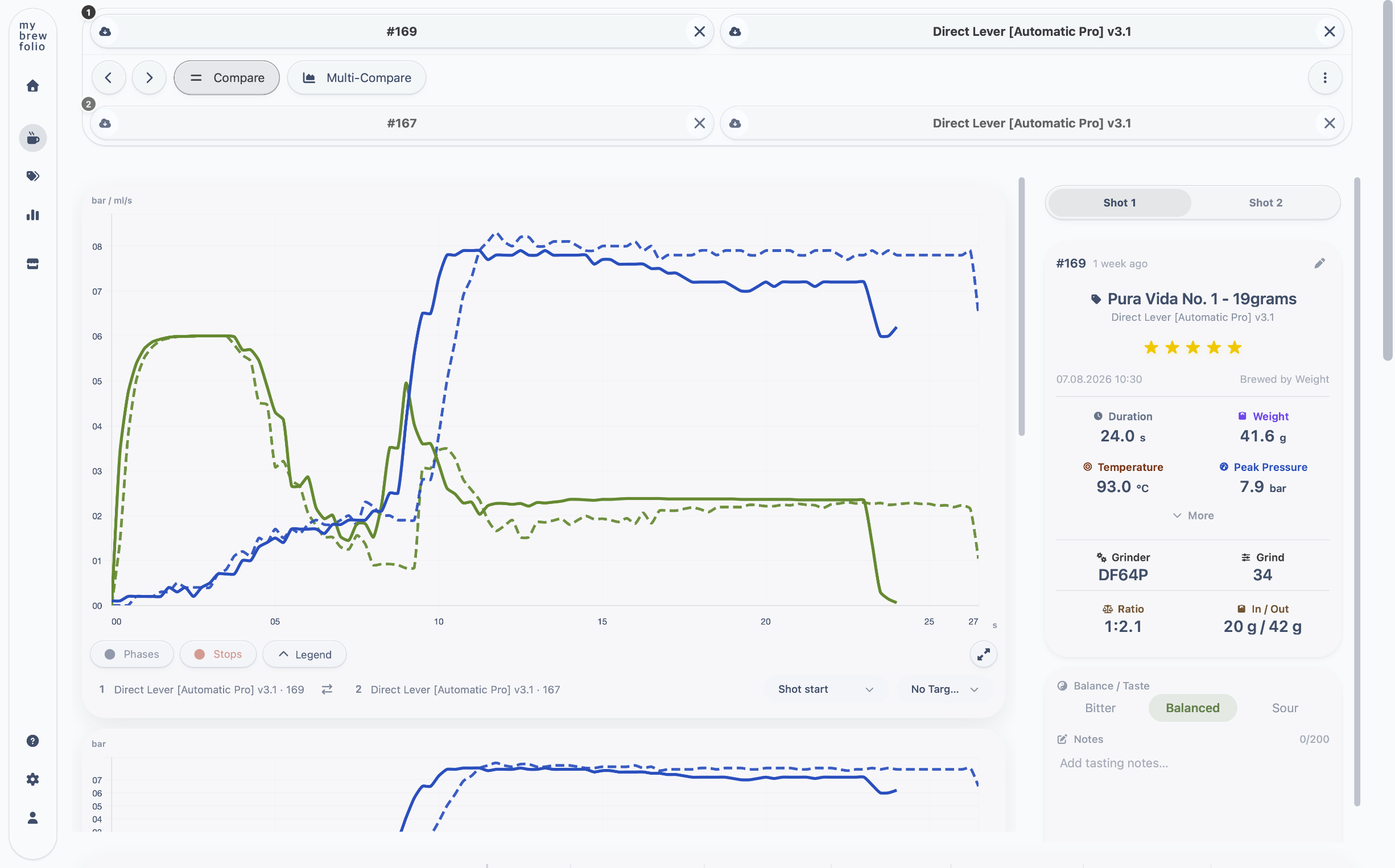
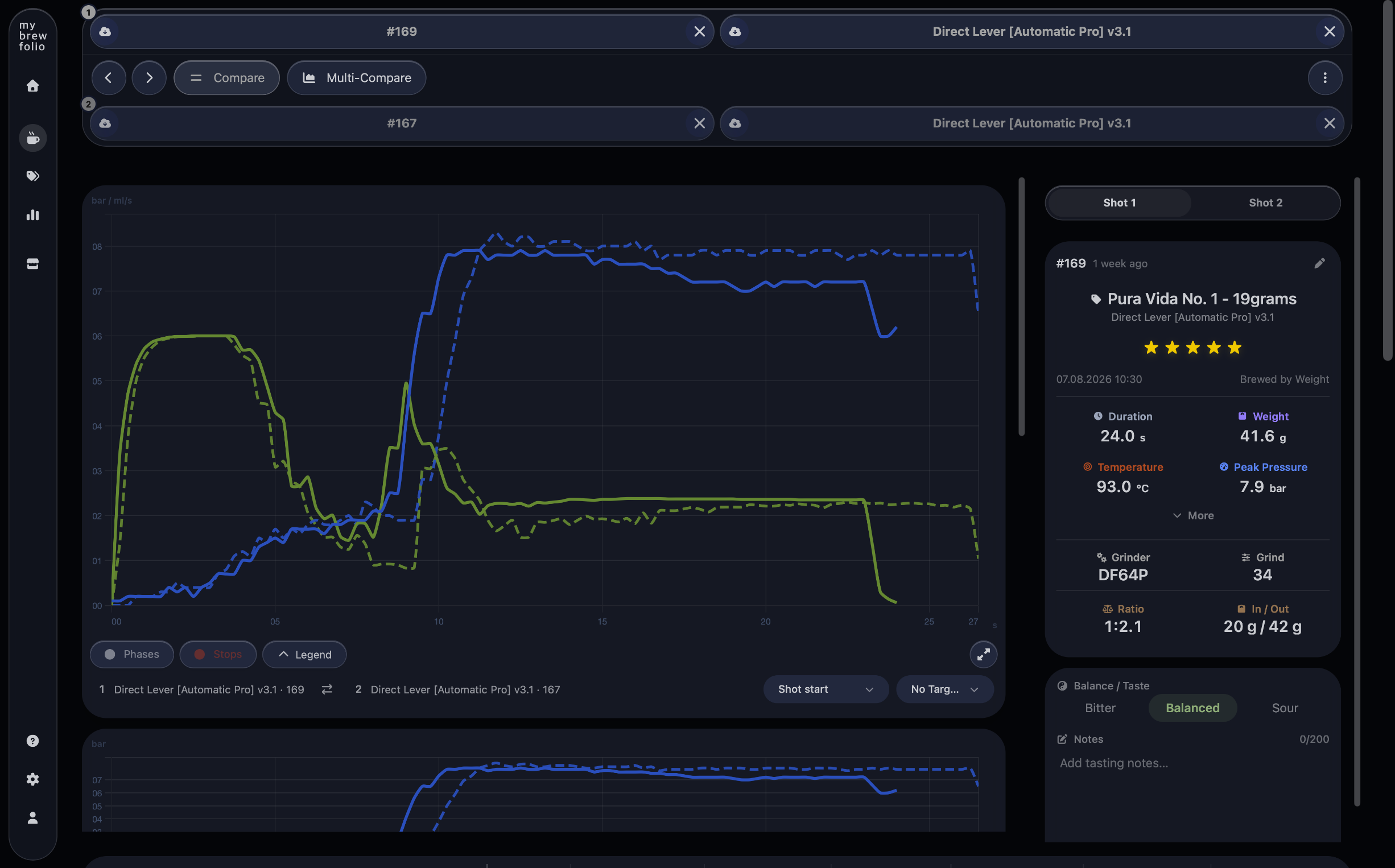
Overlay two brews to spot differences in pressure, flow, timing, phase behavior and results. Multi-Compare extends the same workflow to more than two shots, so a larger set can be analyzed together.
Turn brew history into useful statistics
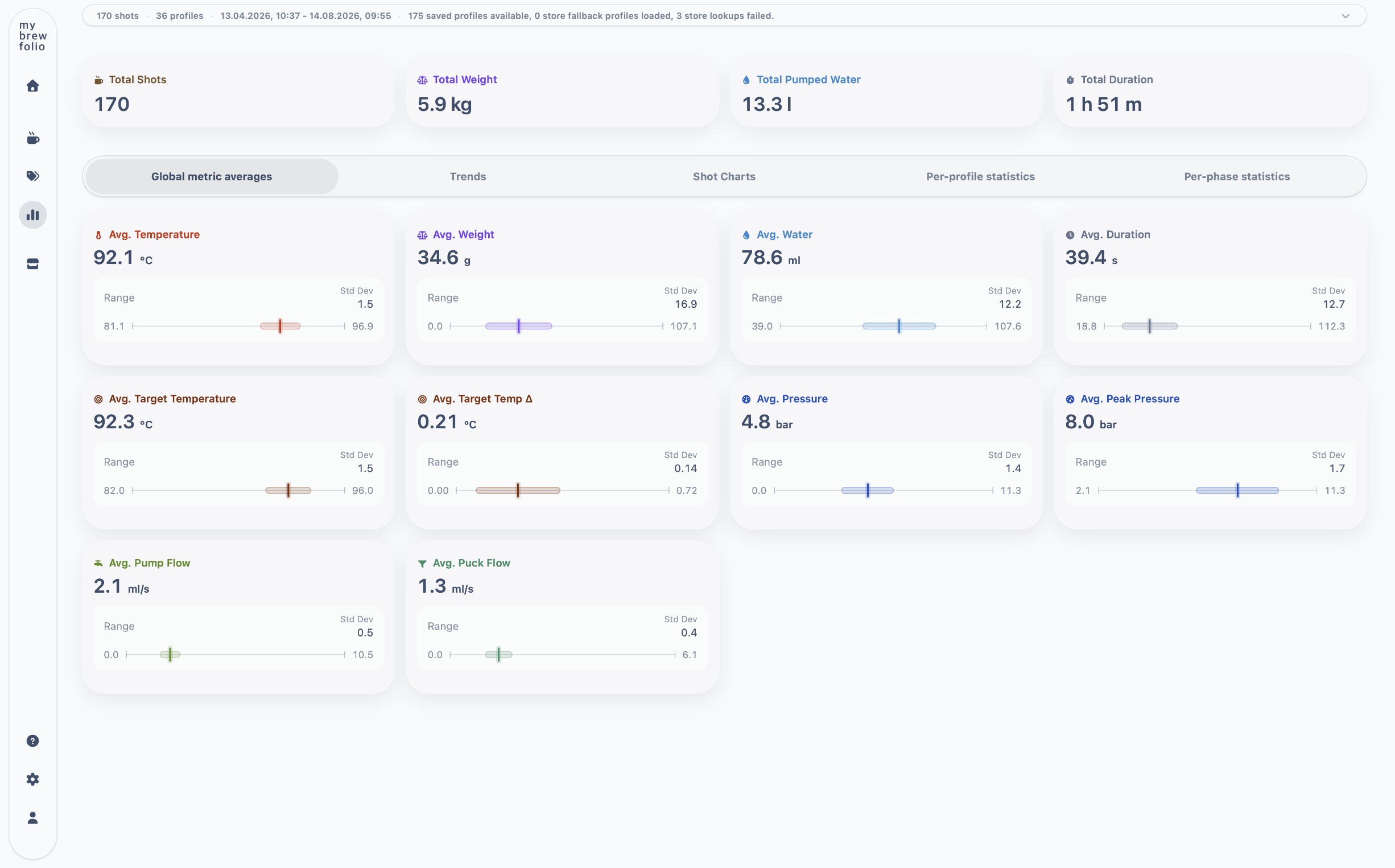
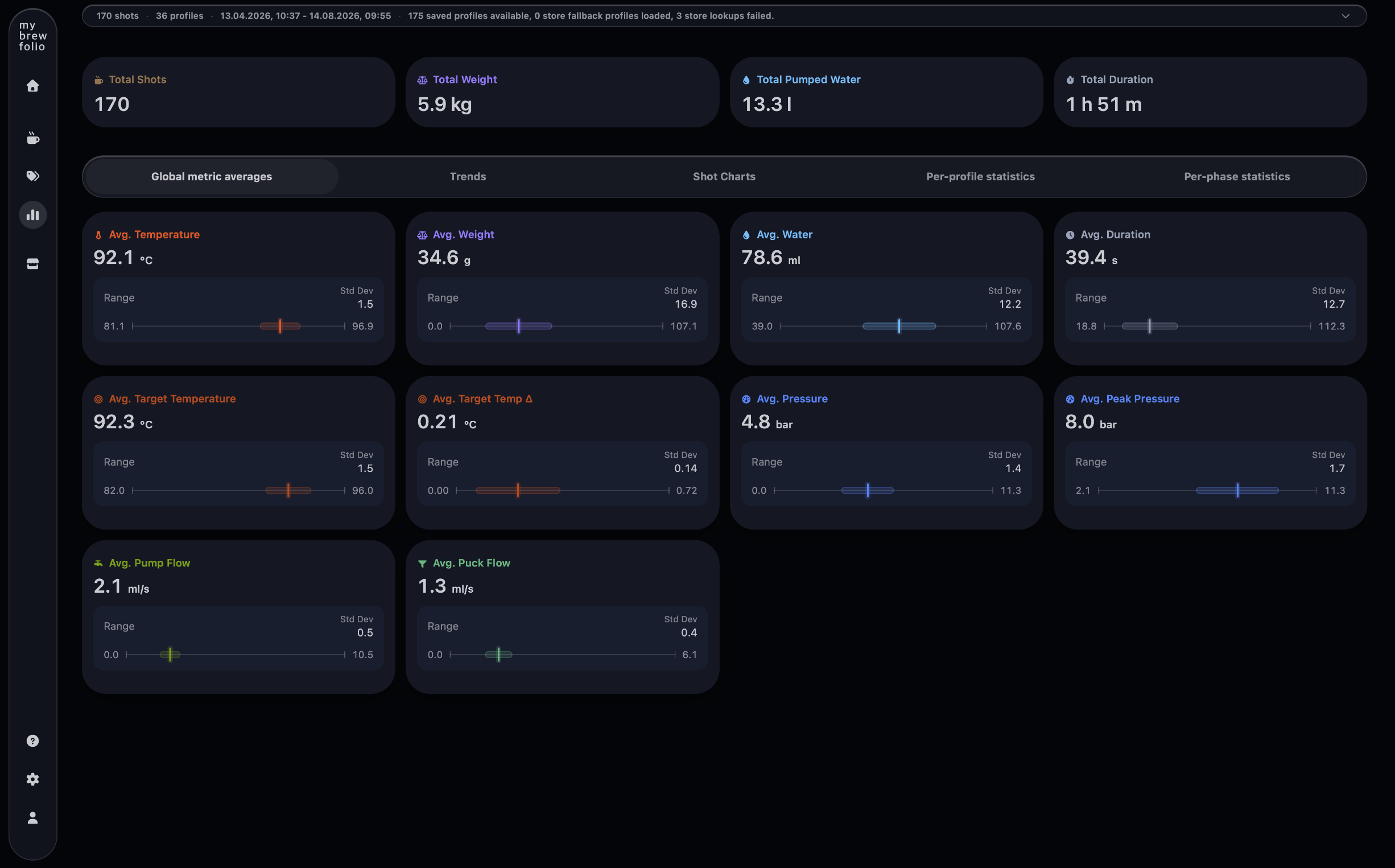
Explore global averages, trends, shot charts and detailed statistics for profiles and individual phases. Use those views to understand patterns across recipes, beans and grinder settings.
Common questions about shot analysis
- How do I analyze a GaggiMate espresso shot?
- Open or import the recorded shot in MyBrewFolio, review the overall ratio and duration, inspect the pressure, flow, weight and temperature curves, then check each phase target and recorded stop reason.
- What should I inspect first in a shot analysis?
- Start with the intended profile, dose, yield, duration and taste. Then use phase transitions, pressure, flow, temperature and stop reasons to explain what happened instead of judging one chart line in isolation.
- How can I find more information about the profile recognized in a shot?
- Use the exact profile name recorded in the shot to search the public MyBrewFolio Profile Store. Matching profile pages provide the author, description, roast tags, compatible machines, variants and available dial-in guidance.