Beans and Grinder Library
A coffee bean and grinder library that grows with every brew
Keep simple bean names or record origins, roast levels, ratings and photos. Your library grows with your brew notes, keeps previous grinder settings ready, and works with synced GaggiMate shots and manual coffee brews.
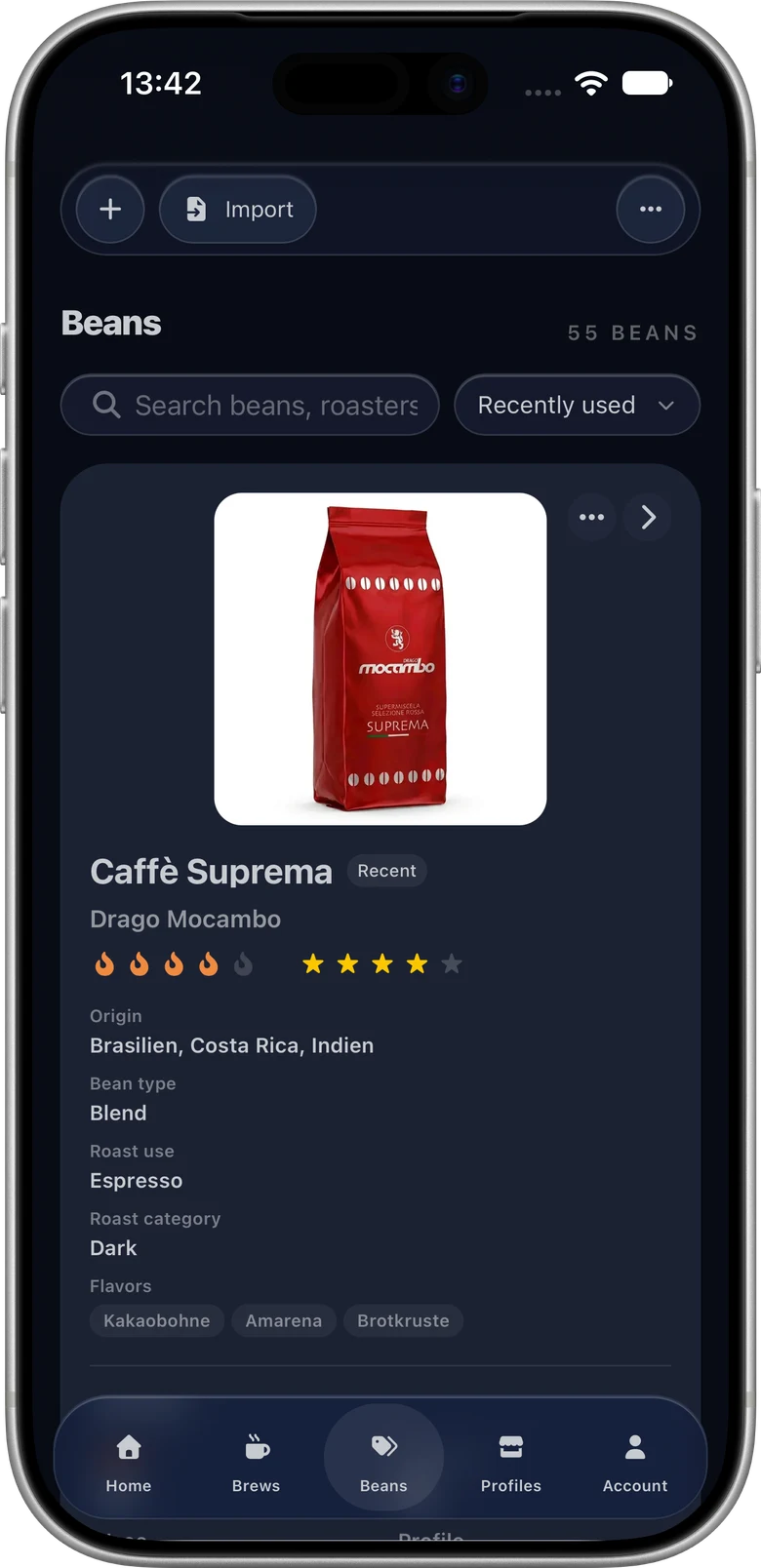
Build the library automatically from shot notes
Existing shot notes can be imported into structured bean and grinder entries. New brew notes continue to connect coffee, grinder, setting, profile and dose information without requiring a separate setup workflow.
Complete brew notes with smart suggestions
Smart Quick Notes suggest recently used settings based on the selected beans and profile. Complete a brew in a few clicks or type any value yourself, without relying on AI.
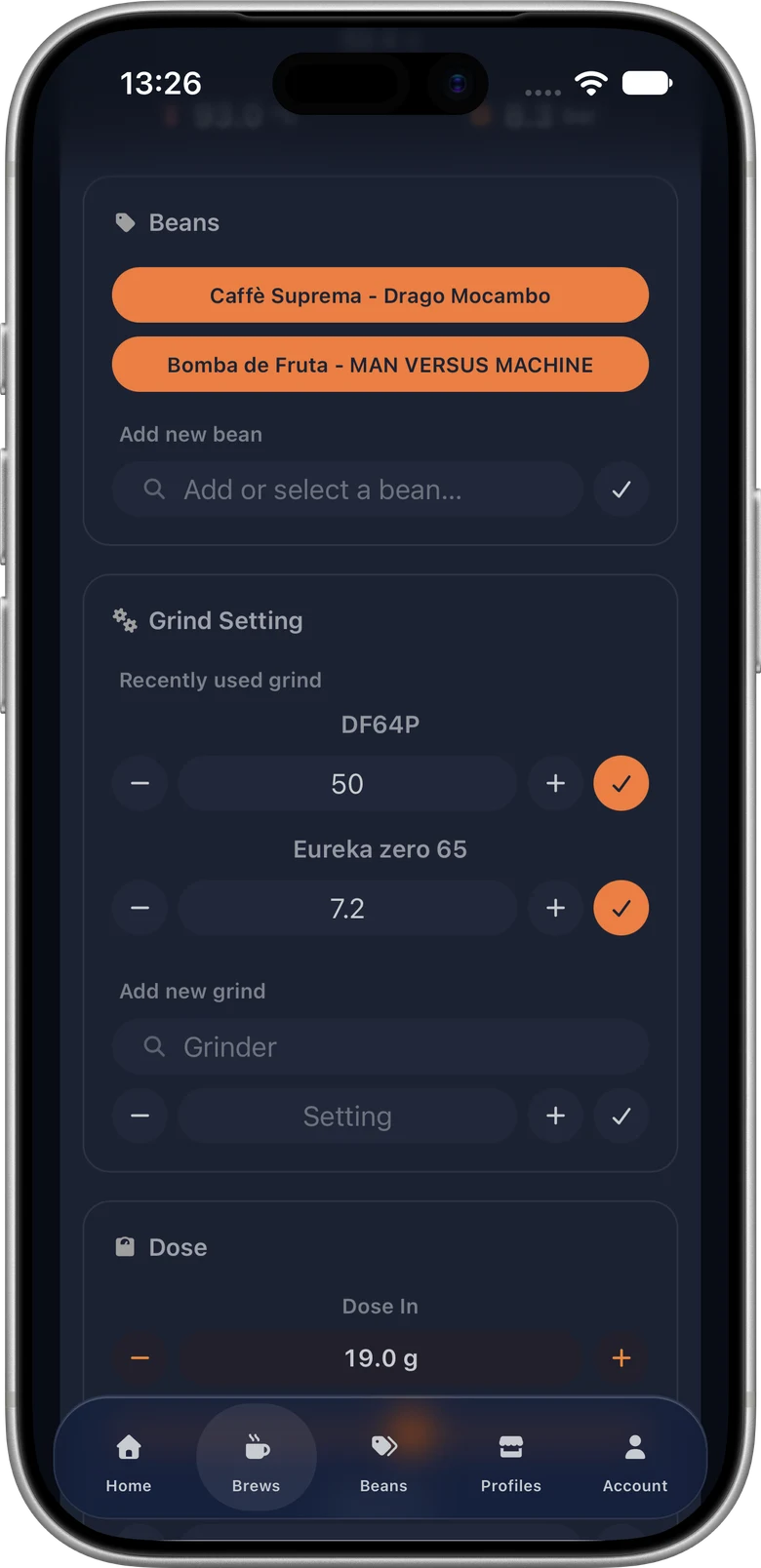
Manage bean details and clean up duplicates
Add a bean name and roaster, or keep full coffee details including origin and altitude. Rate your beans, set a roast level, add photos, or customize the package colors and studio background for an entry without a photo.
Look up grind settings used with a particular bean and profile. Built-in clean-up tools merge duplicate beans and grinders while preserving their brew history.
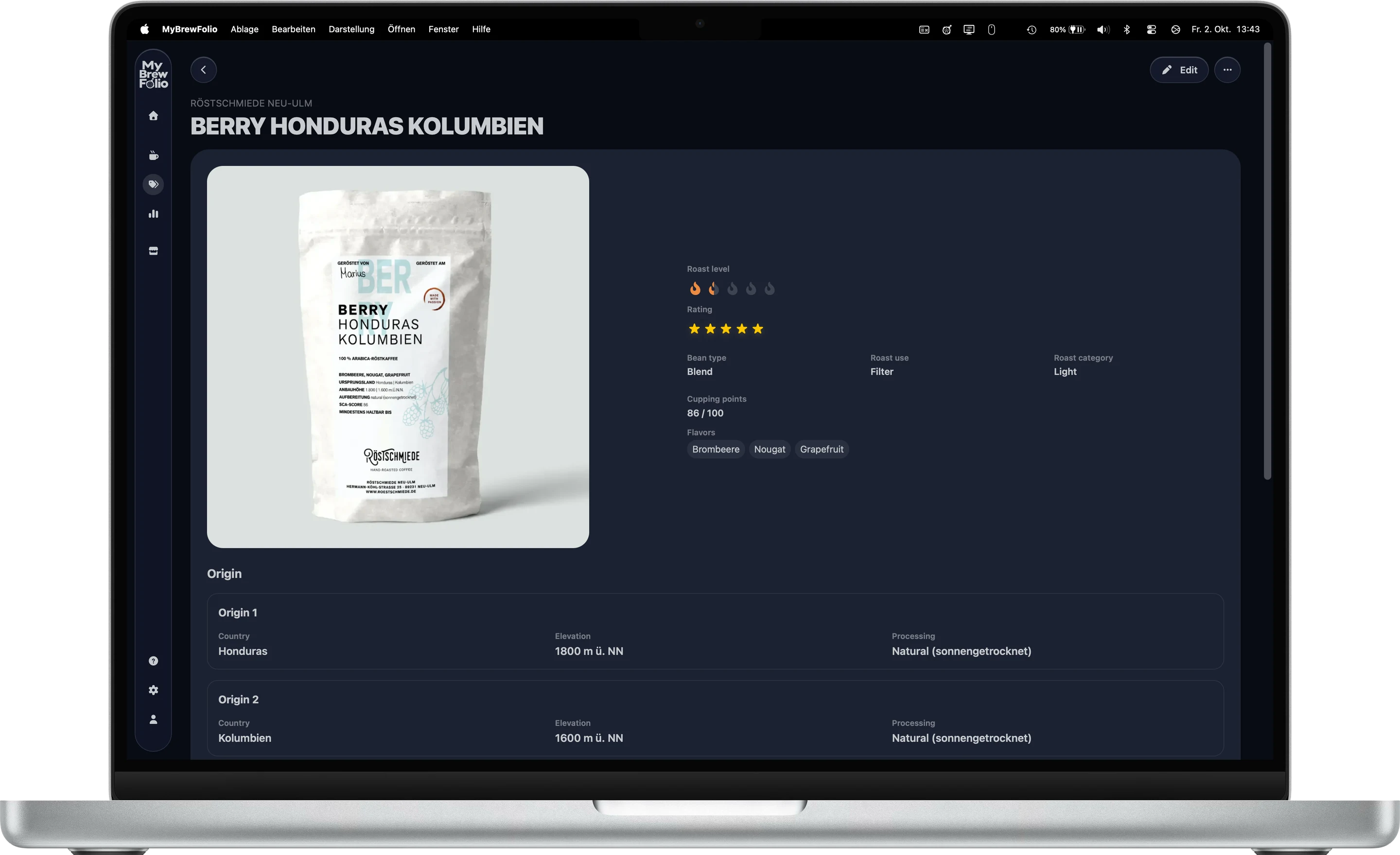
Import a bean file or get help reading a package
Export or import individual MyBrewFolio bean JSON files to keep coffee details portable. Review imported details and duplicate matches before adding entries to your library.
The AI helper provides a prompt for your preferred external chat. You can use a coffee-package photo there, review the returned bean details, and import the result. MyBrewFolio does not upload the photo to an AI service for you.
GaggiMate and Beanconqueror in one library
Bring Beanconqueror bean records and automatically synced GaggiMate brews together in MyBrewFolio. See how the file import and Excel export work alongside GaggiMate Sync.