GaggiMate and Beanconqueror
GaggiMate and Beanconqueror in one library
Bring coffee bean records from Beanconqueror together with brew notes from GaggiMate in your MyBrewFolio library. GaggiMate Sync imports new brews automatically; Beanconqueror data moves through an export file, with an Excel export available for bringing bean entries back.
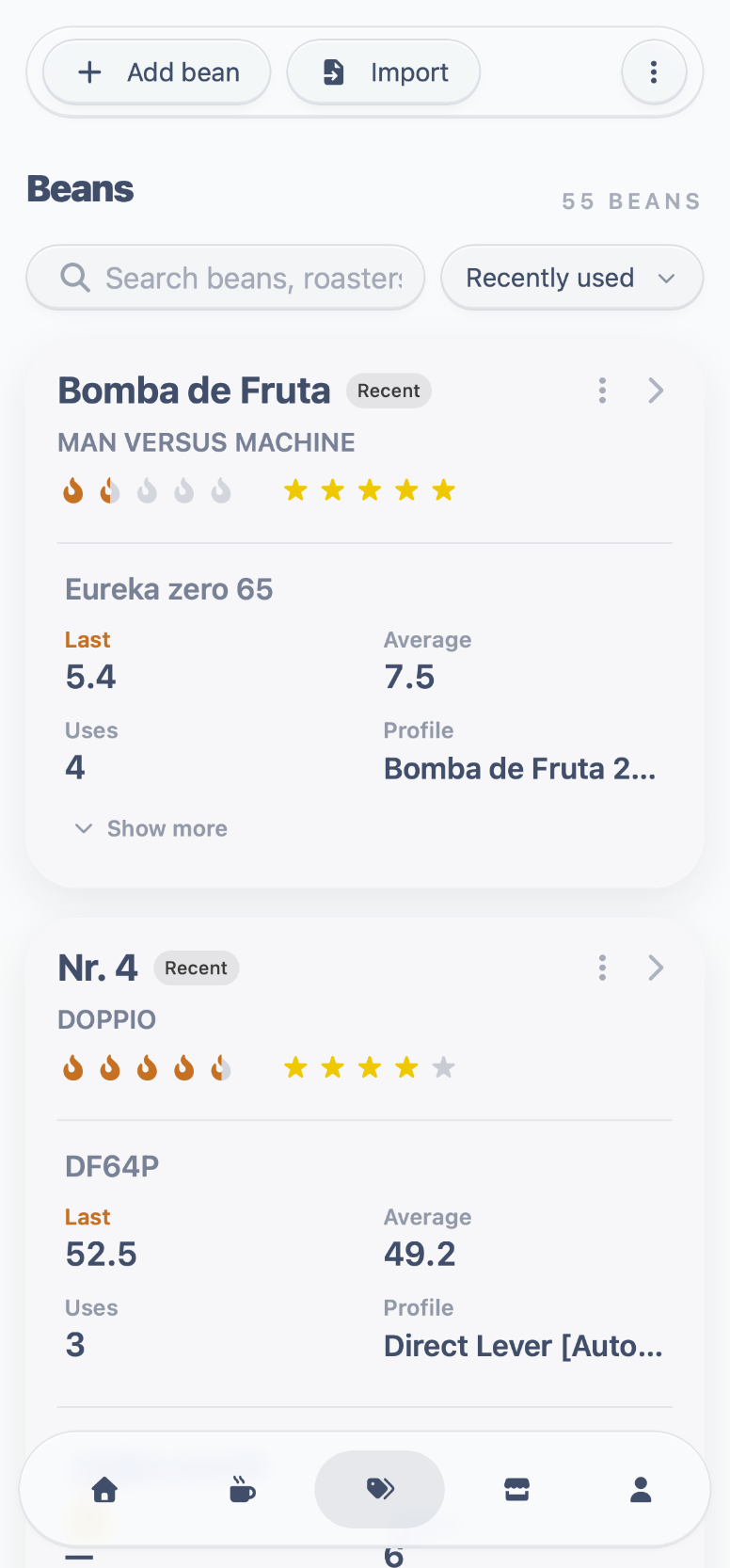
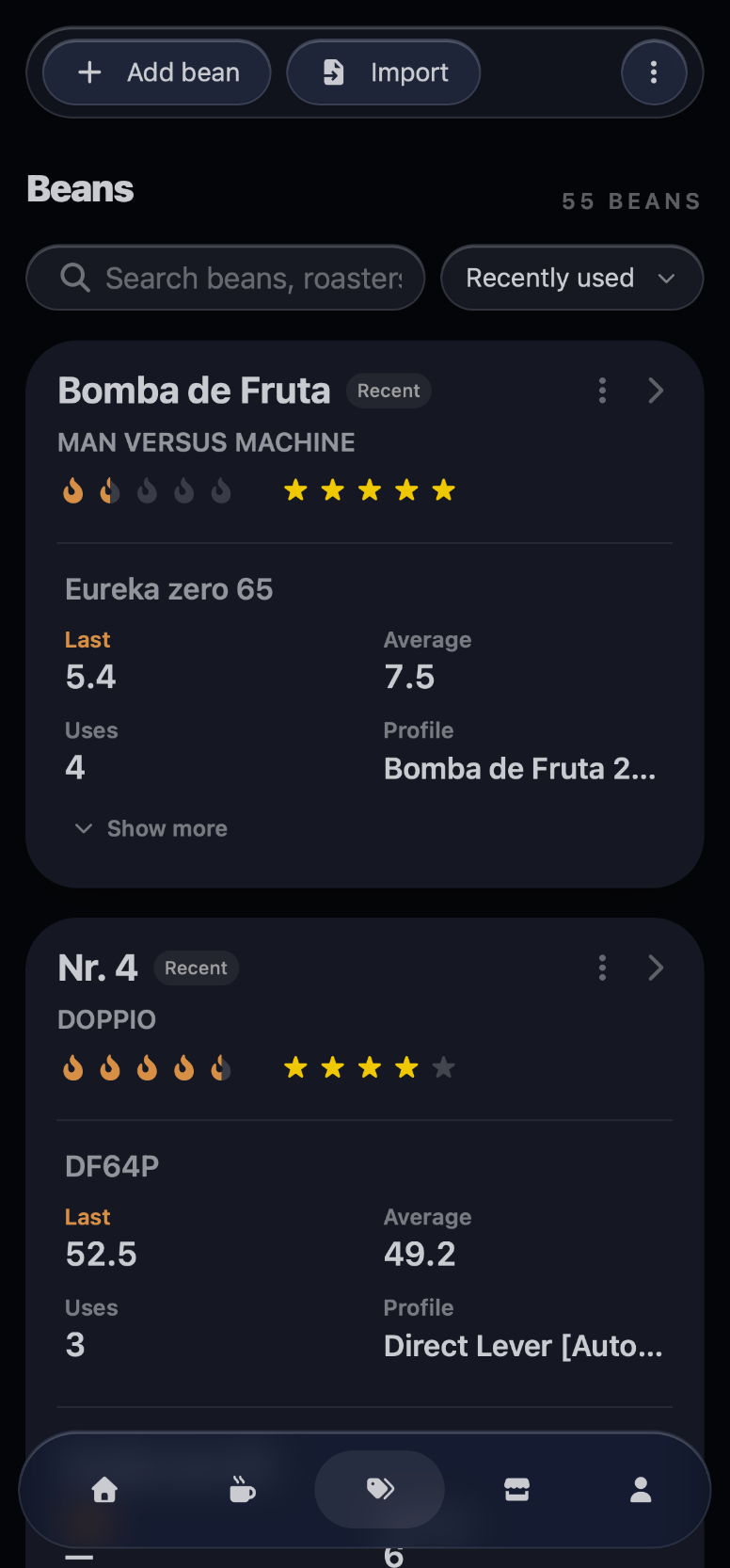
Bring your GaggiMate brews into the library
Install MyBrewFolio Sync, connect it to GaggiMate and your MyBrewFolio account, and start a sync. New GaggiMate brews and profiles import automatically while Sync is running and can reach your machine. Bean and grinder details from shot notes add to the same library.
Import your Beanconqueror library
In Beanconqueror, create a regular ZIP or JSON export, then upload it in MyBrewFolio. Review the import preview and choose which bean entries to add to your library.
Export MyBrewFolio beans for Beanconqueror
Download your MyBrewFolio beans as an Excel file and import it in Beanconqueror under Settings → Import roasted beans via Excel table. This is a file-based transfer, not a live Beanconqueror sync. Existing Beanconqueror records are not replaced; importing the same file again can create duplicates, and the spreadsheet cannot carry every library detail.
Common questions about GaggiMate and Beanconqueror
- Does MyBrewFolio live-sync with Beanconqueror?
- No. Beanconqueror data moves through its regular ZIP or JSON export and the MyBrewFolio Excel export. GaggiMate brews and profiles sync automatically through MyBrewFolio Sync while it is running and connected.
- Which Beanconqueror export should I upload?
- Use Beanconqueror’s regular ZIP or JSON export, not its Excel export. MyBrewFolio previews the entries before you choose what to import.